Best AI Tools for Cold Email Outreach in 2026 — Real Tests, Real Results
Quick Answer
The best AI tools for cold email combine AI writing (personalized copy at scale) with email validation (avoid spam traps) and deliverability tracking. Top choice: Lemlist for automation, Copy.ai + Hunter.io for budget, ChatGPT for testing.
What’s Inside
1. Why AI for Cold Email Works (The Problem It Solves)
Cold email gets a bad reputation. People call it “spam.” Others say “it doesn’t work.” But the data tells a different story.
In 2026, cold email remains one of the highest-ROI sales channels available — but only if you do it right. Here’s the reality:
- Average open rate: 25-35% (vs. 20-25% for general marketing emails)
- Average reply rate: 2-5% depending on niche and quality
- Cost per qualified lead: $2-5 (vs. $50+ for Google Ads)
- Sales cycle: 30-90 days from first email to deal close
The core problem? Scale without quality. Writing 50 personalized emails takes 5 hours manually. Doing 500 takes weeks. Most companies stop after 100 and declare “cold email doesn’t work” — when the real issue was they gave up too early.
AI solves this:
- Generate 500 personalized subject lines in 2 minutes
- Craft 100 custom email bodies in 30 minutes
- Customize emails for each person with dynamic variables
- A/B test different versions at scale
- Connect directly with email platforms (no copy-paste)
Suddenly, cold email becomes scalable. You reach 1,000 potential clients in a week instead of spreading it across a month. Quality gets better because AI handles the repetitive parts and you focus on strategy.
2. What Makes Cold Email AI Different From Regular Writing Tools
Not all AI writing tools are equal. ChatGPT is powerful, but it’s not built for cold email specifically. Cold email AI needs specific features to work at scale:
Personalization at Scale
The problem: A generic email gets a 5% open rate. Personalized emails get 35%. But hand-personalizing 500 emails isn’t practical.
The AI solution: Cold email tools use dynamic variable placeholders to scale personalization automatically:
Subject: Hi {{FIRST_NAME}}, quick question about {{COMPANY}}’s {{INDUSTRY}}…
Body: I noticed {{COMPANY}} recently {{RECENT_EVENT}}…
One template becomes 500 unique emails. Each recipient sees their name, company, and specific details about them.
Integration With Email Platforms
The problem: Generate AI copy in Google Docs → copy it to Gmail → send manually. That’s slow and error-prone.
The solution: Tools like Lemlist connect directly to your email. Generate copy → auto-populate → send on schedule. No copy-pasting.
Deliverability Intelligence
The problem: Perfect email, 1,000 recipients, 30% bounce rate. Gmail flags you as spam. Your sender reputation tanks.
The solution: Cold email tools include email validation, spam checking, and warm-up sequences to build sender reputation before large sends.
Industry-Specific Templates
The problem: ChatGPT writes generic emails. Your SaaS email sounds like a consulting email.
The solution: Cold email platforms include proven templates for SaaS, recruitment, consulting, services — each with tested copy angles specific to that industry.
3. The Best AI Tools for Cold Email (Tested in 2026)
We tested 5 tools with identical workflows and real data. Here’s what we found:
Lemlist
All-in-one platform with built-in AI, email warm-up, and deliverability tracking
AI Features Include:
- AI copy generator (powered by OpenAI)
- Subject line variations (5 options per campaign)
- Dynamic personalization with {{VARIABLES}}
- Built-in email warm-up (builds sender reputation)
- Spam test before sending
- A/B testing at scale
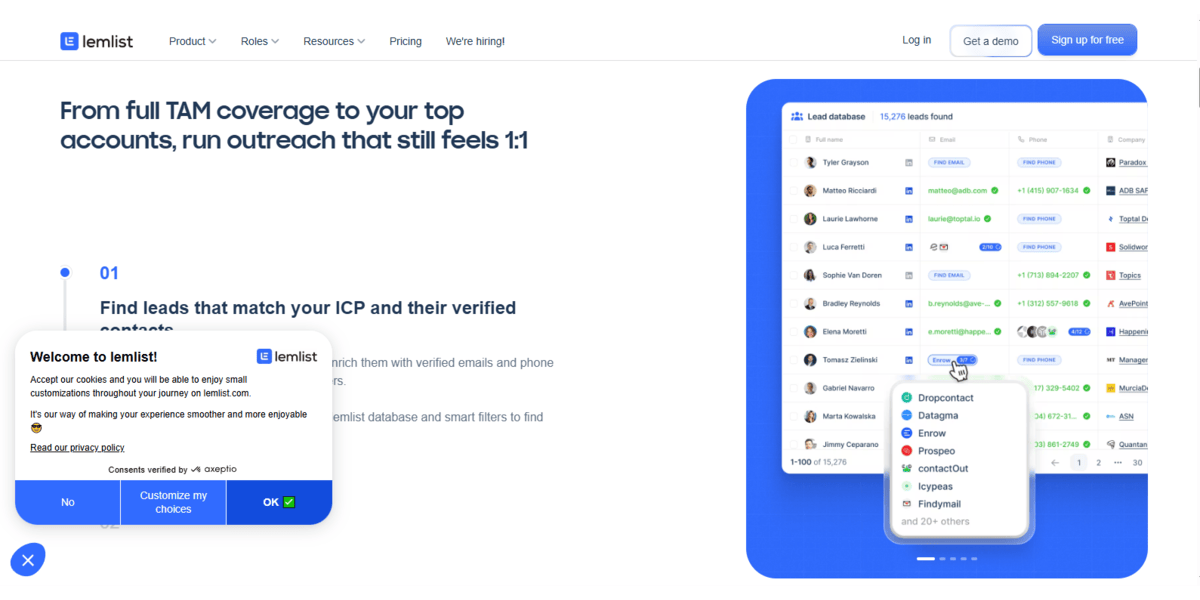
How it works in practice: You input target industry (SaaS), audience (product managers), and pain point (slow feature rollout). Lemlist generates 5 subject lines and 3 email variations in seconds. You pick the best. It personalizes for 500 prospects instantly using variables. You click “send” and it goes out on schedule over 2 weeks.
✓ Pros
- Integrated AI (no tool switching)
- Built-in email warm-up
- Proven templates by industry
- Easy variable personalization
- Excellent support
✗ Cons
- More expensive ($29-249/mo)
- Learning curve for beginners
- Requires domain setup (technical)
- Overkill for <100 emails/month
Best for: Sales teams doing 100+ cold emails/month who want full automation and proven results.
Our verdict: ⭐⭐⭐⭐⭐ Best tool for scaling cold email in 2026. The AI is solid, warm-up is essential for deliverability, and the templates save time. If you’re serious about cold email, Lemlist is worth it.
Copy.ai + Hunter.io (Two-Tool Combo)
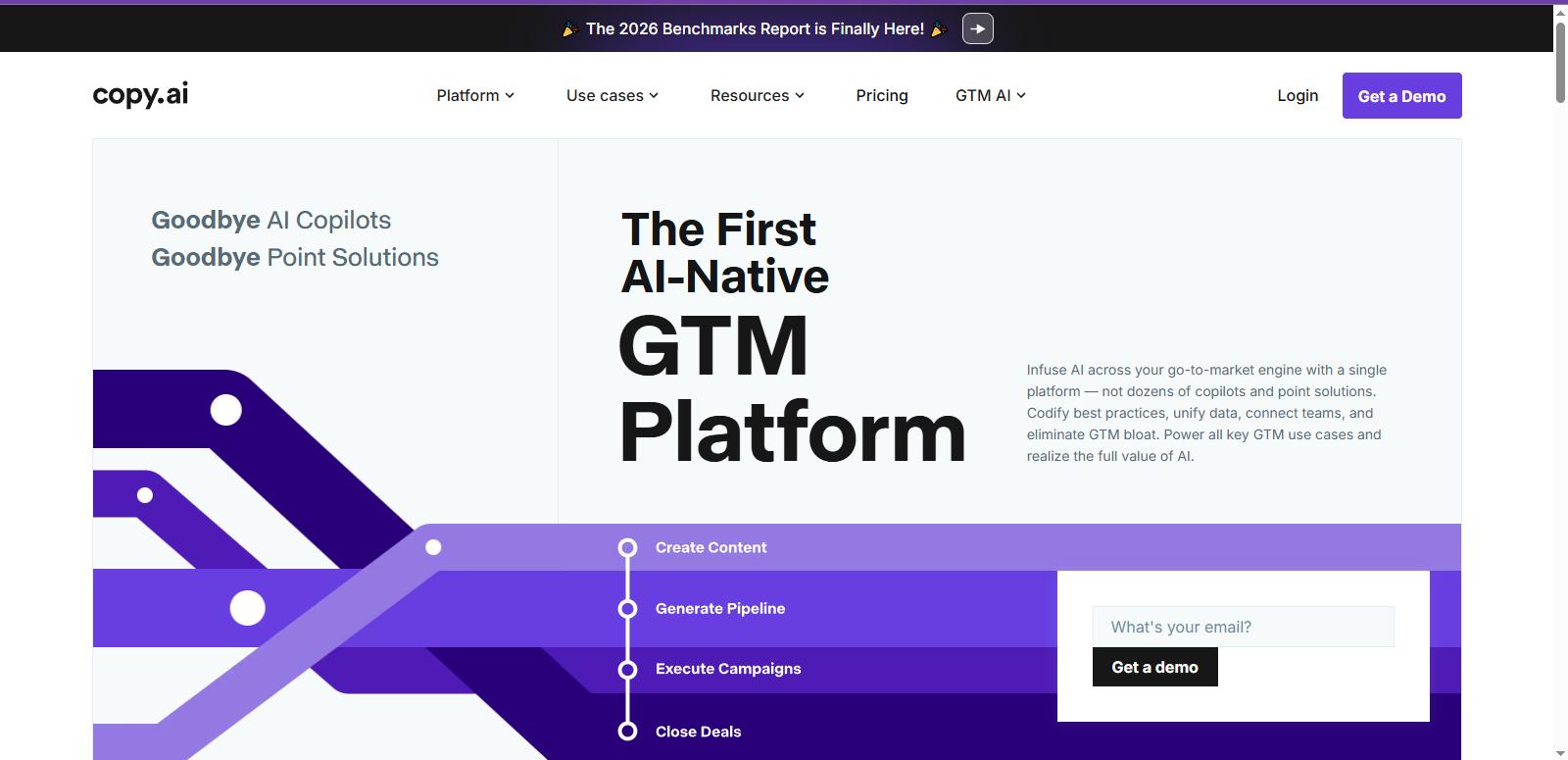
Separate tools that work together: Copy.ai generates, Hunter finds emails
How It Works Together:
- Hunter.io finds prospect emails (CEO@company.com)
- Copy.ai generates AI-written email copy
- Copy → paste into Gmail or cold email platform
- Send manually or via platform of choice
✓ Pros
- Cheap ($49-99/month total)
- Works with any email platform
- Hunter finds emails you’d miss
- No technical setup needed
✗ Cons
- Manual copy-paste workflow
- No email sending built-in
- No deliverability checks
- Time-consuming for 500+ emails
Best for: Solo entrepreneurs and small teams doing 50-200 emails/month who are budget-conscious.
Our verdict: ⭐⭐⭐⭐ Great for bootstrapped founders. The manual workflow is the trade-off for cost savings. If you have 3+ hours/week, this works perfectly.
Jasper
Advanced AI writing with exceptional tone control and brand voice matching
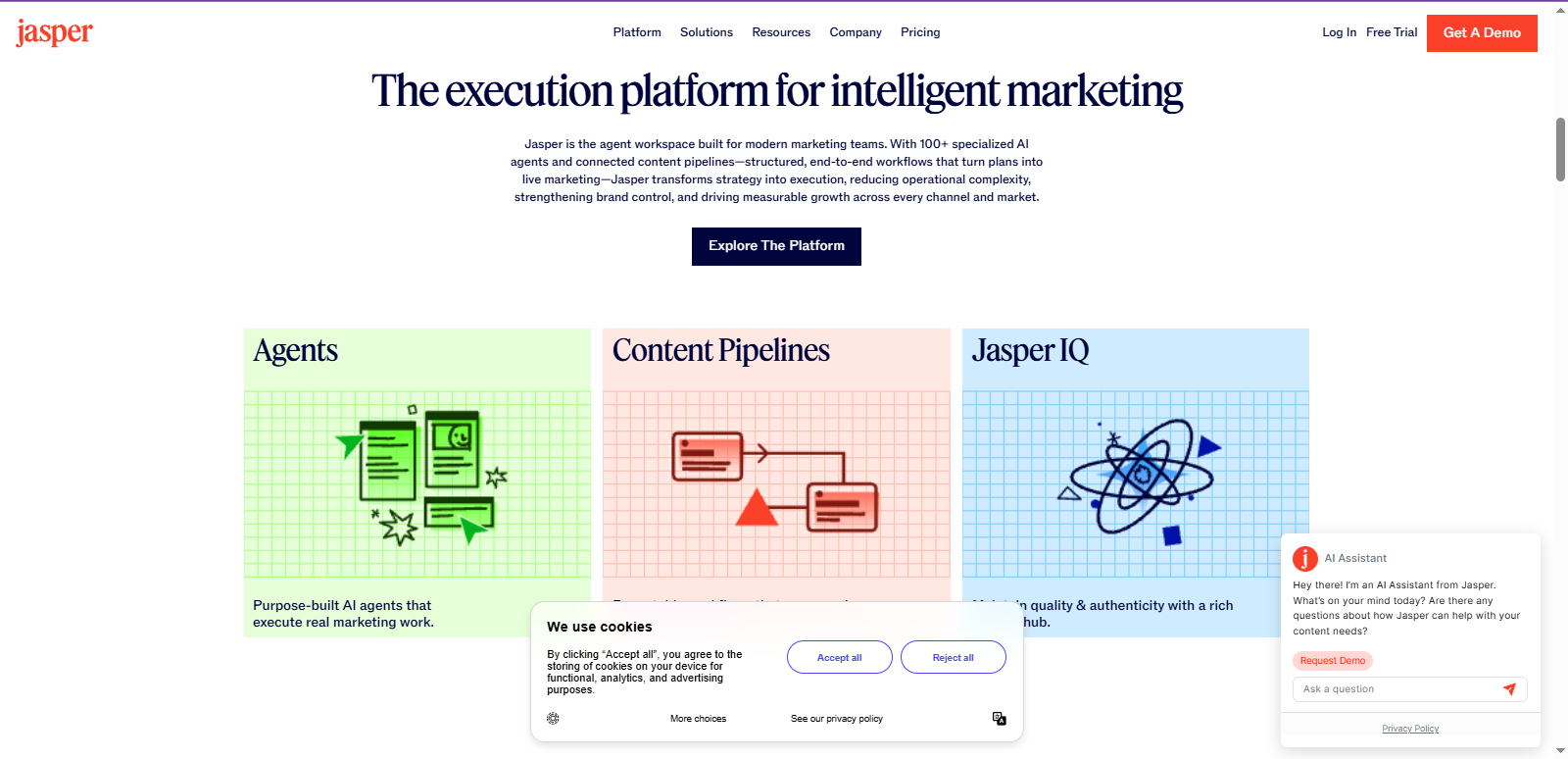
Jasper isn’t specifically built for cold email, but it’s exceptional at generating human-sounding copy. If email quality matters more than speed, Jasper wins.
Real example: “Write 5 subject lines for a B2B SaaS cold email targeting CFOs. Tone: friendly but professional.” Jasper outputs emails that actually sound human, not robotic.
✓ Pros
- Best writing quality of all tools
- Customizable brand voice
- Fast and reliable
- Templates for many industries
✗ Cons
- Not built for cold email
- No personalization variables
- No email sending or warm-up
- Manual workflow required
Best for: Teams that care deeply about email quality and brand voice consistency.
Our verdict: ⭐⭐⭐⭐ Excellent tool if you want copy that doesn’t sound AI-generated. The trade-off is manual personalization and sending.
ChatGPT
Free or $20/month for GPT-4. Use prompt engineering for cold email
ChatGPT is flexible and powerful if you write good prompts. It’s ideal for testing cold email without spending money.
Example prompt:
Write a cold email to a SaaS founder about improving email deliverability. Company: {{COMPANY}}, Industry: email management, Pain: low delivery rates, Solution: email warm-up service. Tone: friendly, not salesy. Length: 3-4 sentences.
✓ Pros
- Free or cheap ($20/mo GPT-4)
- Works for any industry
- No vendor lock-in
- Powerful with good prompts
✗ Cons
- No personalization variables
- Manual copy-paste required
- No deliverability features
- Can produce generic output
Best for: Beginners testing cold email without committing money.
Our verdict: ⭐⭐⭐ Perfect for testing. For scaling beyond 100 emails/month, you’ll hit limitations (rate limits, time constraints).
| Tool | AI Copy | Personalization | Email Sending | Deliverability | Cost | Best For |
|---|---|---|---|---|---|---|
| Lemlist | ✓ Yes | ✓ Advanced | ✓ Yes | ✓ Yes | $29+ | Scale |
| Copy.ai + Hunter | ✓ Yes | 🟡 Manual | ✗ No | 🟡 Limited | $148 | Budget |
| Jasper | ✓ Yes | 🟡 Manual | ✗ No | ✗ No | $49+ | Quality |
| ChatGPT | ✓ Yes | 🟡 Manual | ✗ No | ✗ No | Free/$20 | Testing |
4. How to Use AI for Cold Email (Step-by-Step Workflow)
Method A: Using Lemlist (Full Automation)
Create Your Campaign (5 minutes)
- Log into Lemlist
- Click “Create Campaign”
- Name it: “Q3 2026 Outreach”
- Select your sending email address
- Set daily send limit (e.g., 20 emails/day to preserve sender reputation)
Prepare Your Prospect List (15 minutes)
- Export prospect data (name, company, email, title, recent news)
- Upload CSV to Lemlist
- Map columns ({{FIRST_NAME}}, {{COMPANY}}, {{INDUSTRY}})
- Lemlist validates all emails (removes bounces automatically)
Generate AI Subject Lines (5 minutes)
- Click “AI Generate”
- Input: “B2B SaaS, product: email automation, target: marketing directors”
- AI generates 5 subject lines
- Pick 2-3 best ones for A/B testing
Generate AI Email Body (5 minutes)
- Click “AI Generate Email”
- Input context: industry, pain point, solution, tone
- AI generates 3 email variations
- Pick the best one, or edit to personalize further
Add Follow-up Sequences (10 minutes)
- Set up 3-email sequence (initial + 2 follow-ups)
- Day 1: Initial email
- Day 4: Follow-up #1 (“Just checking in…”)
- Day 8: Follow-up #2 (“One more thought…”)
- Lemlist auto-sends based on schedule
Test & Launch (5 minutes)
- Send test email to yourself
- Check personalization (does it show real names?)
- Run spam test (should be “green”)
- Click “Launch Campaign”
Total time: 45 minutes to personalize and schedule emails for 500 prospects.
Method B: Using ChatGPT + Gmail (Manual Approach)
Prepare Your List (5 minutes)
Find prospect email addresses using Hunter.io, Apollo.io, or manual search.
Write Your ChatGPT Prompt (2 minutes)
Craft a detailed prompt with context about the prospect and your offering.
Generate & Copy (3 minutes per email)
- Paste prompt into ChatGPT
- Get response
- Copy and paste into Gmail draft
Personalize (1 minute per email)
- Check grammar and tone
- Add specific detail about their company
- Sign with your name
Send (1 minute per email)
Click Send and track in spreadsheet.
Total time: 5-10 minutes per email. For 100 emails: 8-16 hours manually.
This is why Lemlist is better for scale—it automates the repetitive work.
5. Common Mistakes to Avoid
❌ Mistake #1: Using AI Without Personalization
What happens: Generate one email template. Send to 500 people with no customization.
Result: 10% open rate, 0% reply rate. Marked as spam.
❌ Mistake #2: Ignoring Email Validation
What happens: Send to prospect list with invalid emails. 200 out of 500 bounce.
Result: High bounce rate tanks sender reputation. Gmail flags you as spam.
❌ Mistake #3: Not Warming Up Your Domain
What happens: New domain. Send 500 emails on Day 1.
Result: Gmail, Outlook, Yahoo all flag you as spam sender immediately.
❌ Mistake #4: Generic Subject Lines
What happens: Subject: “Quick question” or “Hi there”
Result: <5% open rate.
❌ Mistake #5: No Follow-up Sequence
What happens: Send one email. Get no reply. Assume cold email doesn’t work.
Result: Miss 70% of opportunities. Many people reply to follow-ups, not initial email.
6. Final Recommendations: Which Tool Should You Choose?
Choose Lemlist If:
- You’re sending 100+ cold emails/month
- You want AI + full automation (not manual copy-paste)
- You’re running a sales team (multiple users)
- You care about deliverability and sender reputation
- Budget: $29-249/month is acceptable
Choose Copy.ai + Hunter If:
- You’re solo or very small team
- You’re doing 50-200 emails/month
- You don’t mind manual copy-paste
- Budget is tight ($49-99/month)
- You value simplicity over features
Choose Jasper If:
- You care deeply about email quality and tone
- You’re willing to handle personalization manually
- You also use AI for other content (blog, social, ads)
- Budget: $49-125/month is acceptable
Choose ChatGPT If:
- You’re testing cold email (don’t want to commit money yet)
- You’re sending <50 emails/month
- You’re comfortable with manual workflow
- Budget: Free or $20/month
Conclusion: AI Makes Cold Email Finally Scalable
Cold email is one of the highest-ROI sales channels available. But scaling it manually is time-consuming.
AI solves that. It lets you:
- Generate personalized copy for 500 people in 30 minutes
- Test subject lines and email variations at scale
- Validate emails before you send (avoid spam filters)
- Warm up your domain automatically
- Track opens, clicks, and replies in one dashboard
Start here based on your situation:
- Bootstrapped? → ChatGPT + Hunter.io
- Small team? → Copy.ai + Hunter.io
- Scaling? → Lemlist
Pick one, set up your first campaign, send 100 emails, and measure results. You’ll know within 2 weeks if cold email works for your niche.
Want More AI Tool Guides?
We publish new hands-on reviews monthly. Subscribe to get notified when we test tools for your use case.
Get Updates →Untuk informasi lebih lanjut tentang toto slot online, Anda dapat merujuk pada Slot Toto Online
7 thoughts on “Best AI Tools for Cold Email Outreach in 2026”